MCP Server Examples for Common Developer Tools
Connect your AI agent to the tools your team actually uses, starting with a focused stack.
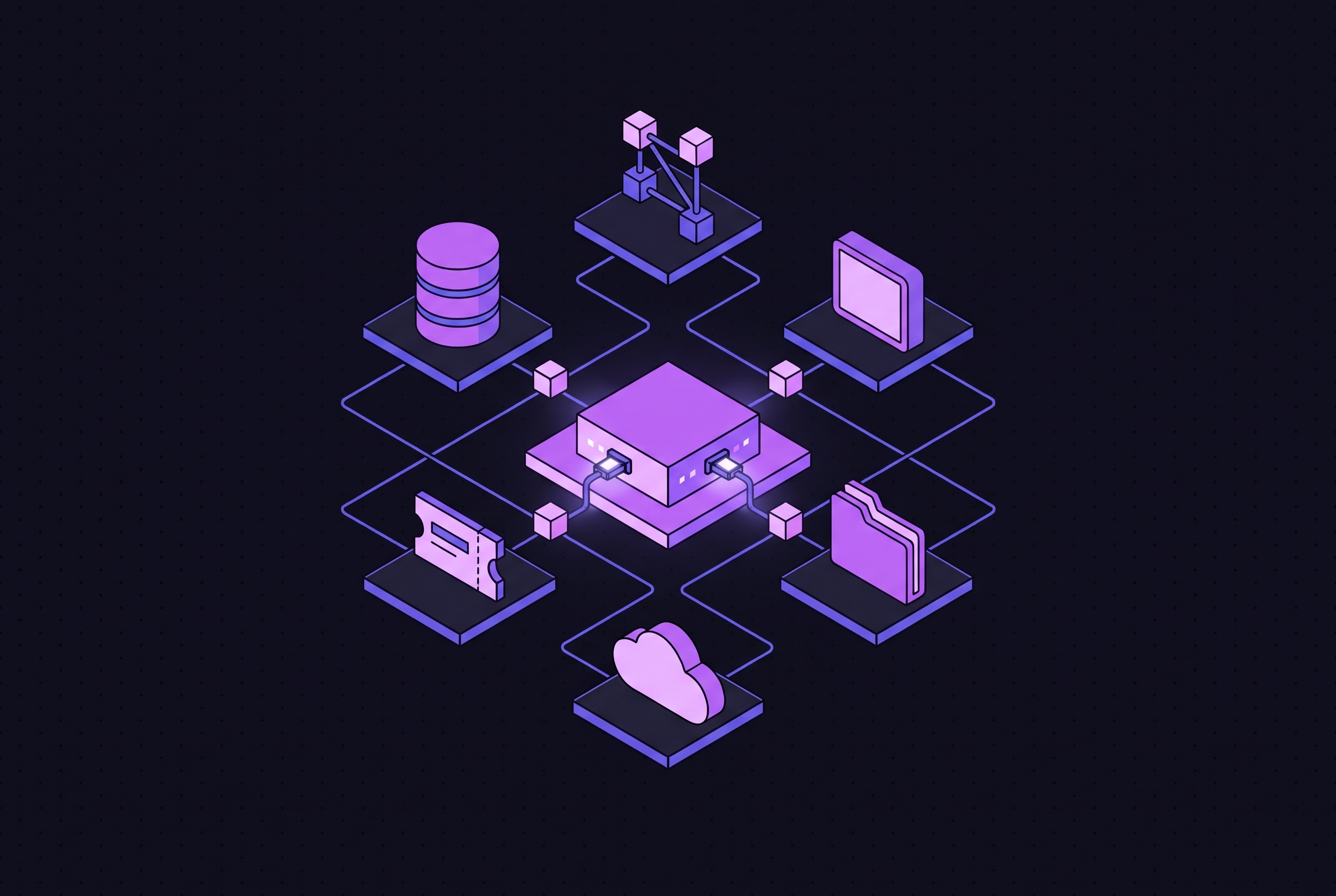
MCP servers connect AI agents to the tools developers already use, from repositories and browsers to databases and deployment platforms. Their value comes from covering a real workflow. The best place to start is a small set of servers that are kept up to date, each chosen for a specific task and given narrow permissions.
What MCP is and why it changes how AI agents connect to developer tools
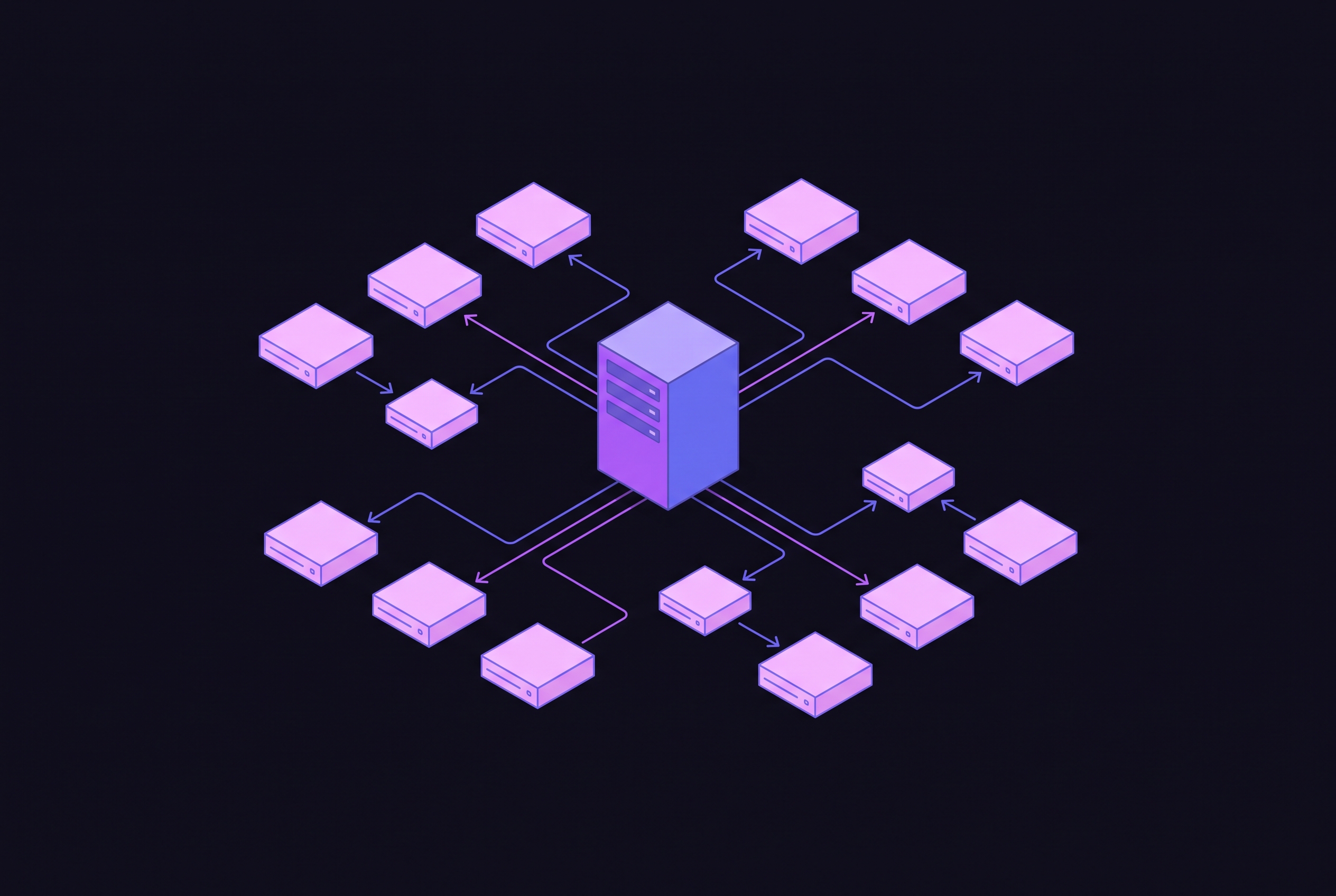
Before MCP, developers had to write custom integration code for each tool and client to connect an AI assistant to a repository, database, or browser. That created an N×M maintenance problem and tied developers to individual providers. Anthropic introduced MCP in November 2024 to replace those separate integrations with a common interface. A client spawns or connects to a server, requests its tool manifest, and lets the LLM decide which tools to invoke. Structured JSON-RPC messages transport the calls and results.
The protocol now has an open governance home. When it was donated to the Linux Foundation’s Agentic AI Foundation in December 2025, it became a specification that went beyond one vendor. Anthropic, Block, and OpenAI co-founded the foundation, with support from Google, Microsoft, AWS, Cloudflare, and Bloomberg. For developers, the practical consequence is interoperability across Claude, ChatGPT, Cursor, VS Code, Zed, and other compliant clients. One GitHub server can serve every compliant coding client a team adopts, without another custom integration.
Why the archive problem means most tutorials pointing at MCP servers are already outdated
The original Anthropic reference servers for GitHub, Slack, PostgreSQL, SQLite, Sentry, GitLab, Google Drive, Puppeteer, and Redis have been archived. Vendors have replaced reference implementations with their own first-party servers that they keep up to date. Tutorials pointing at the corresponding @modelcontextprotocol/server-* packages therefore direct readers to deprecated code.
The working rule is to prefer official servers published by the vendor whose service they connect to. That establishes provenance before features enter the decision. However, maintenance alone does not justify installation. The next filter is whether a server fills a concrete gap in a small, useful stack.
Why starting with a small, high-coverage stack beats installing every available server
Every installed server consumes tokens through its schema at every interaction, even when the session never uses its tools. A long server list therefore adds startup latency and token overhead without adding as much to what the agent can do. It also enlarges the security attack surface. Unused integrations are not free background infrastructure.
It is best to start with the smallest set that covers daily work, usually version control, documentation, and browser automation. Specialized servers become useful when a database, deployment platform, or business system creates a concrete gap in that coverage. Version control comes first because it gives the agent access to the code and review activity around which development work turns.
Version control: what the GitHub MCP Server actually gives a coding agent
GitHub built the GitHub MCP Server, following collaboration with Anthropic on its predecessor, to expose repository workflows to agents. Its 51 tools cover code browsing and search, issue reading and writing, pull request creation and review, GitHub Actions inspection, and security findings. An agent can link code changes to the reviews, failures, and discussions around them.
A representative request is “check if there are any open PRs touching the authentication module”. The agent queries the GitHub API, reads the diff, and gives a summary, so the developer can stay in the same browser tab. Access controls constrain that workflow where necessary. A read-only flag blocks writes to repositories, issues, and pull requests, while lockdown mode filters content from public repositories to lower the risk of prompt-injection. Local operations remain a separate concern. The Git MCP server uses local stdio access for commits, branches, and diffs, making it complementary to the remote GitHub server.
Documentation grounding: how Context7 stops AI agents from coding against outdated library versions
Repository access does not resolve stale library knowledge. An LLM may write code for versions in its training data that are months behind the release a project actually uses. Context7 addresses that mismatch by fetching current, version-specific documentation at query time. The agent receives documentation relevant to the requested version instead of depending solely on memorized APIs.
For a request such as “how do I use the latest streaming feature of library X?”, Context7 pulls current documentation from the source. Without that grounding, the model may describe a deprecated API. The upstash/context7 project, shipped as @upstash/context7-mcp, covers many libraries through one server, so each library does not need its own documentation integration. Brave Search, Firecrawl, and Exa serve broader web-research needs, including current events, competitor research, and recent blog posts.
Browser automation: when to use Playwright MCP versus Chrome DevTools MCP
Microsoft’s Playwright MCP fits tasks that require navigating and proving a user flow. It can navigate pages, click elements, fill forms, take screenshots, and run end-to-end flows using structured accessibility snapshots. A checkout flow is a concrete example. The agent walks through each step, captures screenshots, and reports failures, making the server useful when the question is whether a sequence works repeatably.
Google’s Chrome DevTools MCP addresses a different question. It exposes console messages, network requests, Lighthouse results, performance traces, and heap data to help explain unexpected behavior in a running application. The practical choice follows the task. Use Playwright to navigate and verify a flow, and Chrome DevTools to investigate why the application behaves unexpectedly. For new projects, Playwright is also the recommended migration target from the archived Puppeteer reference package.
Playwright can authenticate as the user and interact with local services, while Chrome DevTools has full access to the connected browser state.
Database access: Supabase MCP and the read-only boundary problem with SQL servers
Supabase MCP connects an agent to project, database, schema, and migration workflows for teams already using Supabase. The project is supabase/mcp, with the package @supabase/mcp-server-supabase. Its usefulness depends directly on the existing stack. For a team whose work does not involve Supabase, installing it adds exposure without filling a workflow gap.
Some PostgreSQL MCP wrappers that claim read-only operation can still execute DDL through transaction wrapping, leaving a gap between the documented restriction and the implementation. The warning against treating a database server’s mode label as proof that destructive operations are impossible applies generally and makes no specific claim about Supabase. The practical response is to begin with a development or test database and treat an unverified read-only mode as “reduced-write”, with “write-impossible” still unverified.
Deployment and cloud infrastructure: Vercel, Cloudflare, and AWS as purpose-specific tools
Vercel MCP covers deployments, logs, and analytics for projects hosted on Vercel. When Vercel is the deployment target, its deployment interface lets the agent work with the same platform that hosts the project. A team that runs its projects elsewhere needs a server that works with that infrastructure instead.
Cloudflare’s hosted server has a much broader scope. In Code Mode, the agent writes JavaScript to search and call endpoints across the Cloudflare API, including Workers, KV, R2, D1, DNS, and firewall rules. This makes it an infrastructure interface rather than simply a deployment tool. That breadth also makes it high-privilege, because the exposed operations extend into account configuration and network controls.
The AWS MCP Server, through aws/agent-toolkit-for-aws, combines MCP configuration with skills and agent integrations. It supports documentation search and live API calls across a wide range of AWS services. The toolkit extends beyond a single server. It fits sessions that need both current AWS documentation and runtime access as well as deployment access. All three examples operate at account or project-API scope, so the narrow-permission principle used for databases applies equally to infrastructure that an agent can change.
Payments, project management, and communication: first-party servers from Stripe, Atlassian, Salesforce, and others
Stripe MCP connects payment-aware agents through a hosted remote server, with permissions gated by Restricted API Key scopes. Its tools cover payment links, customers, products, refunds, invoices, subscriptions, balances, prices, coupons, disputes, payment intents, and documentation search. The permission boundary is central to its use. An agent’s payment workflow must fit the access granted by the key, rather than requiring unrestricted payment administration.
Atlassian’s Rovo MCP brings Jira, Confluence, Compass, Jira Service Management, Bitbucket, Loom, and other tools into one integration. Agents can search and summarize content and create or update issues and pages within the access controls already in place. Rovo is the first-party replacement for community Jira or Confluence integrations on Atlassian Cloud, with Server/Data Center deployments outside its scope.
Salesforce Hosted Standard MCP Servers became generally available in April 2026 for teams working in Salesforce’s CRM and customer workflows. HubSpot’s remote server became generally available for all HubSpot accounts on April 13, 2026, with write access added in the same release. Slack MCP, Notion MCP, and Linear MCP similarly reduce switching between an assistant and the messaging, knowledge, issue, and sprint systems where decisions and status reside.
Sentry MCP provides the clearest compound example. Through hosted OAuth or self-hosted stdio for self-hosted Sentry instances, it lets an agent get the production error that occurs most often and its stack trace. With GitHub also connected, the agent can read the corresponding file and propose a fix. Both servers are needed for that loop, showing why a small stack covering connected work is more useful than isolated installations.
Security risks that are structural to how MCP works, not just implementation bugs
With traditional API integrations, developers control each call they program. MCP delegates the choice of tools, timing, and parameters to the LLM. That delegation creates a distinct trust problem. Prompt injection, supply-chain attacks, and confused deputy problems can work together because text the model reads can shape how it uses the capabilities it has been given.
Tool poisoning places malicious instructions in tool descriptions, parameters, or prompts. The model consumes metadata that users rarely see in the runtime interface. Rug pull attacks exploit a different moment. A server changes its tool definitions after it has been approved, so a tool that was trusted becomes malicious. Invariant Labs demonstrated cross-server tool shadowing through responsible disclosure, showing how one malicious server can weaponize adjacent trusted servers.
High-severity disclosures between mid-2025 and June 2026 showed auto-execution of project-defined MCP servers with developer-level operating-system privileges and no process isolation in tools including Cursor, Claude Code, Gemini CLI, GitHub Copilot, and Amazon Q. Microsoft’s June 2026 guidance treats callable MCP servers as production dependencies and calls for review of tool descriptions. OWASP places tool poisoning third in its MCP Top 10. The engineering response must therefore address permissions, dependencies, changing manifests, and individual implementation bugs.
Practical steps for running MCP servers safely in a real workflow
Start with read-only or low-write servers for documentation, search, and observability before giving them write access to production systems. Give each server a narrow blast radius. Use per-project API keys rather than account-level keys, limit filesystem directory access, and connect database servers to development or test data first. For database servers, validate read-only claims against the implementation before granting access to production data.
Read a new server’s manifest before connecting it, and review description changes with the care given to dependency updates. Choose the vendor’s own repository or a community project known to be active, and check that a widely cited package is still kept up to date. Then log the tools the agent invokes during each session. That audit trail helps with investigations and shows which unused servers could be removed, so the installed stack fits the work it does.